
How do I change my password?
Forgot your password
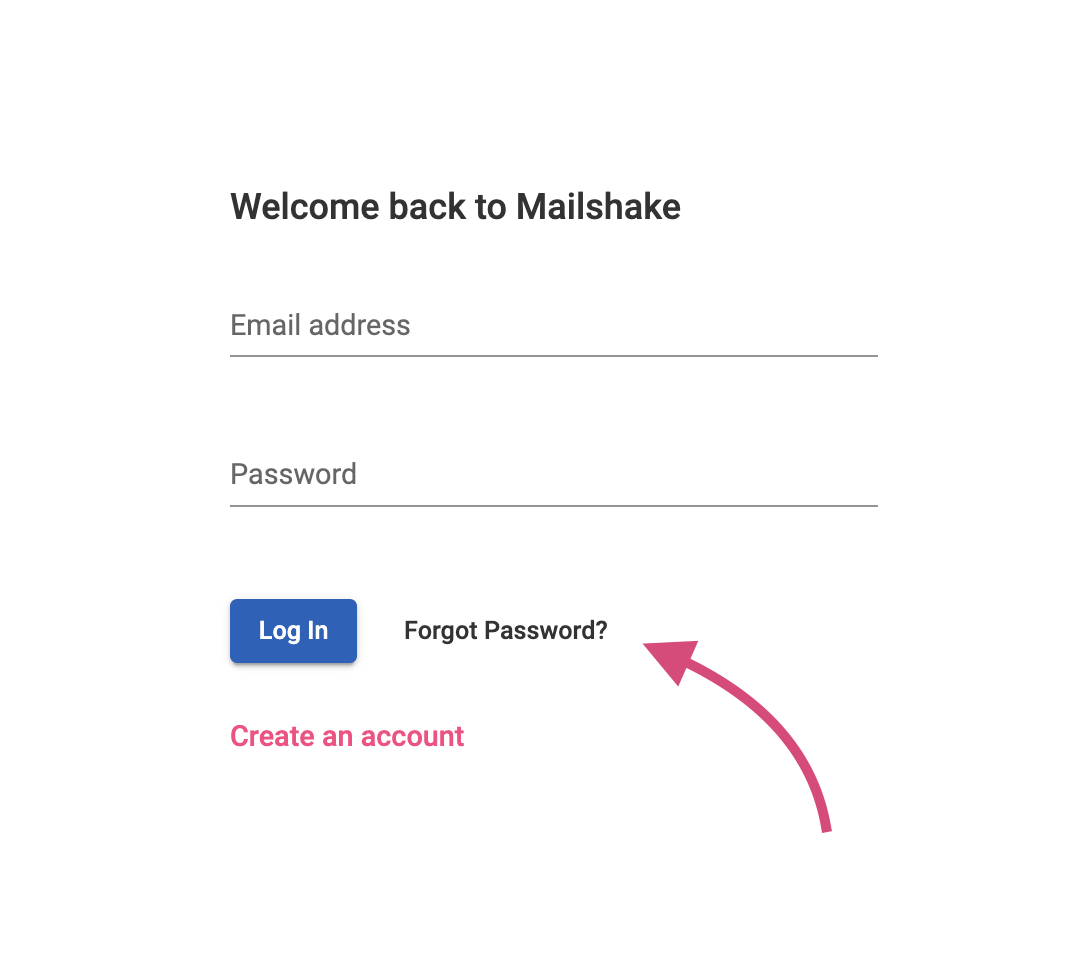
If you've forgotten your password, you'll need to go to app.mailshake.com/login and click Forgot Password. Keep in mind you'll need to enter your login email address which may be different than the email address you use for sending.
If you don't remember your login email address, contact our support team with the following info so that we can locate your account:
- Last 4 digits of the card on file
- Expiration date of the card on file
Change your Password
To change your password, you'll first need to log into your account. Once you're logged in:
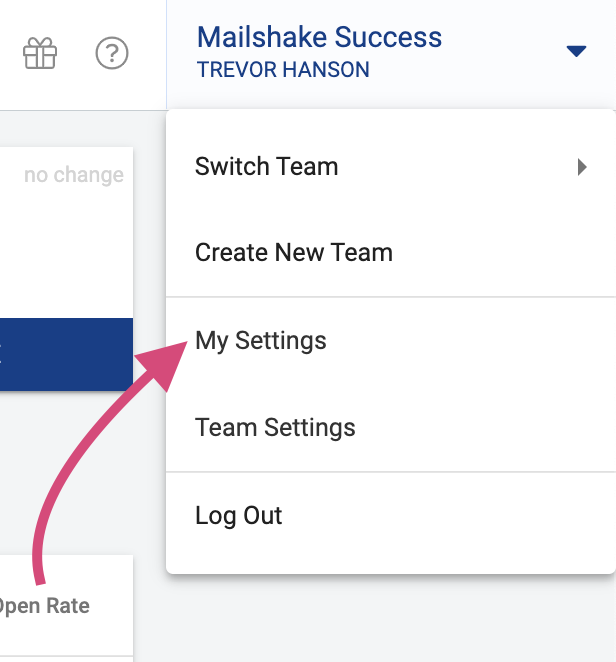
1. Click your Team Name in the upper right corner to open the menu
2. Click My Settings
3. Click Security
4. Enter your old password and then enter the new password - make sure you've typed in your new password correctly
5. Click Save
